Pt.2
Image Optimisation
These are different options that can be use to maximise the output of the image, through the editing of it's features.
Optimising your image
There are many different ways you can optimise your image, if you want your image to display on a certain screen or format then you must first make sure that the quality of the image suits that of the display or else it can have disastrous effects on the out come of your image.
 |
| Bit-Depths effects |
This can be done by editing the bit depth which edits how many bits make a pixel for better colours/shades, increasing the resolution to a higher amount, which is measured in PPI (pixels per inch higher>less grainy), making sure that the image is actually to scale with the display (although this can have a negative effect on raster files, making them grainier/pix-elated).
 |
| JPEG File |
Sometimes you may want to store your image on a computer for later use, this is where file size is important as some files may take up too much room so you may need to optimise them for storage.
If you wish to decrease the amount of memory your image takes up, you can change the file name extension to one of which reduces the images size such as .JPEG or .PNG.
They give you the option to compress the image in either of the two forms, lossy and lossless the former remove unnecessary information such as alpha channels and layers, while the latter leaves the image close to the original while changing small details to save space.
 |
| GIT |
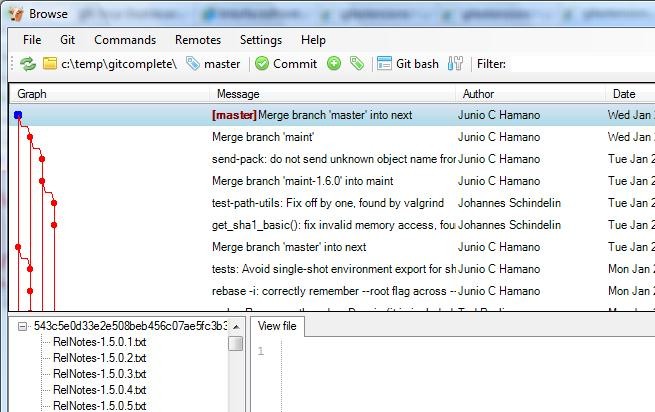
Asset management software is used to organise and store the different assets used, before recording any data related to the file in question, whether it be their names, their format, when they were changed and who changed them, all this information is stored categorically to be seen at your convenience. This is very useful for artists as they can find their assets, import them and save the final product in any file format that they choose with little to no hassle involved on their part.

No comments:
Post a Comment